Start with something you see or a question on your mind. Neeklee helps you understand it, explore your options, and keep useful notes you can return to.
From a meal on your plate to a decision at the store, the starting point is simple: show it, ask, and keep what matters.
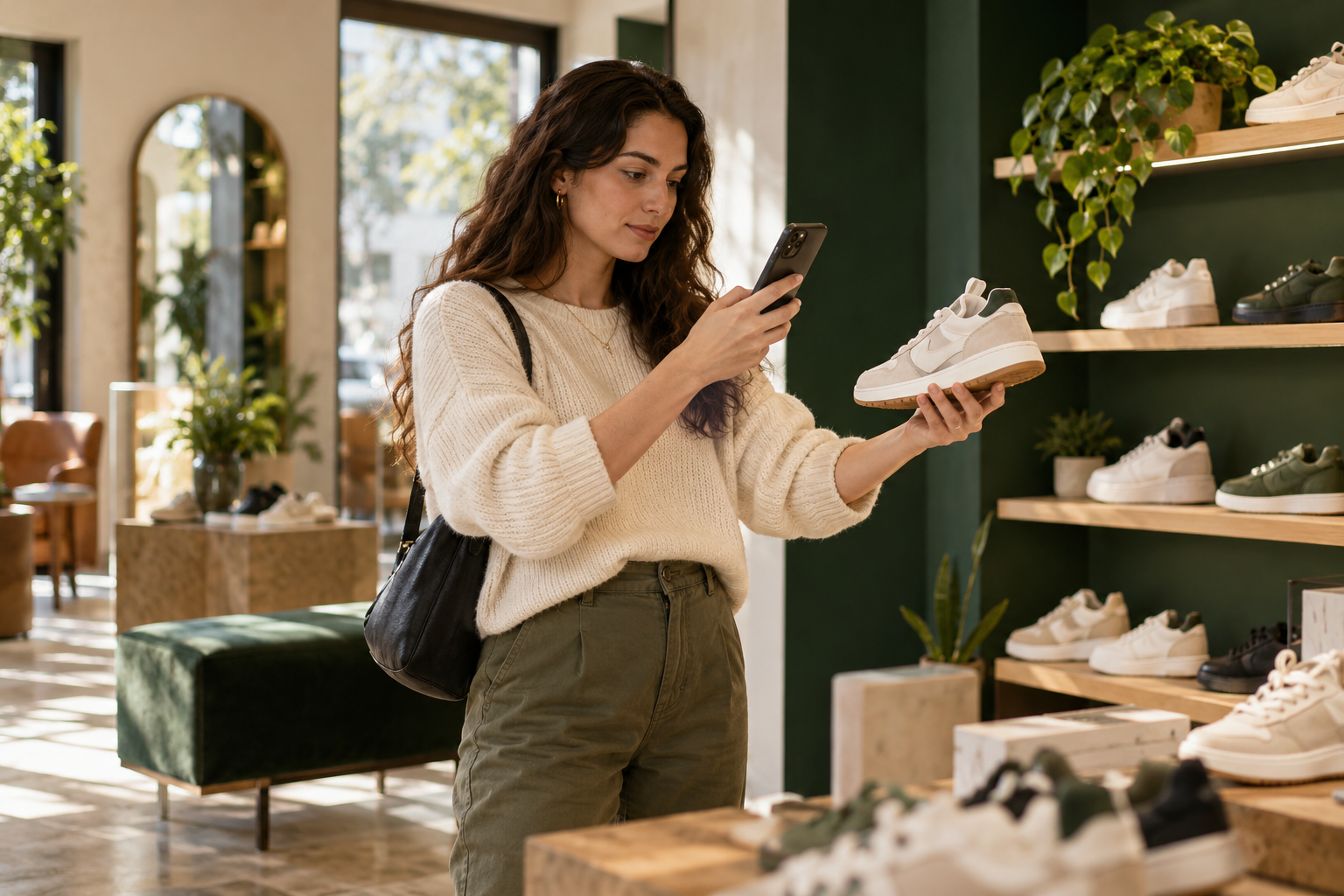
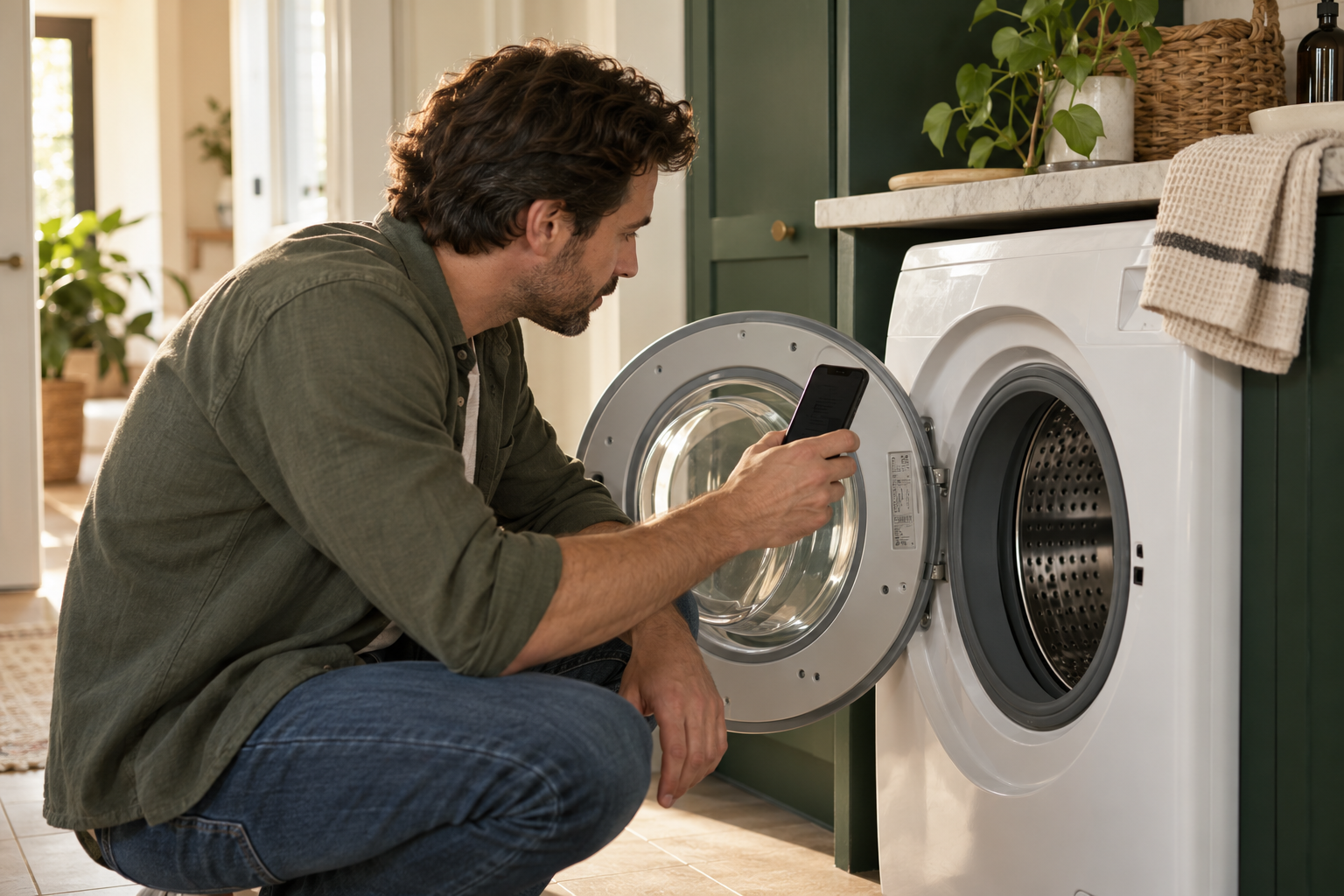
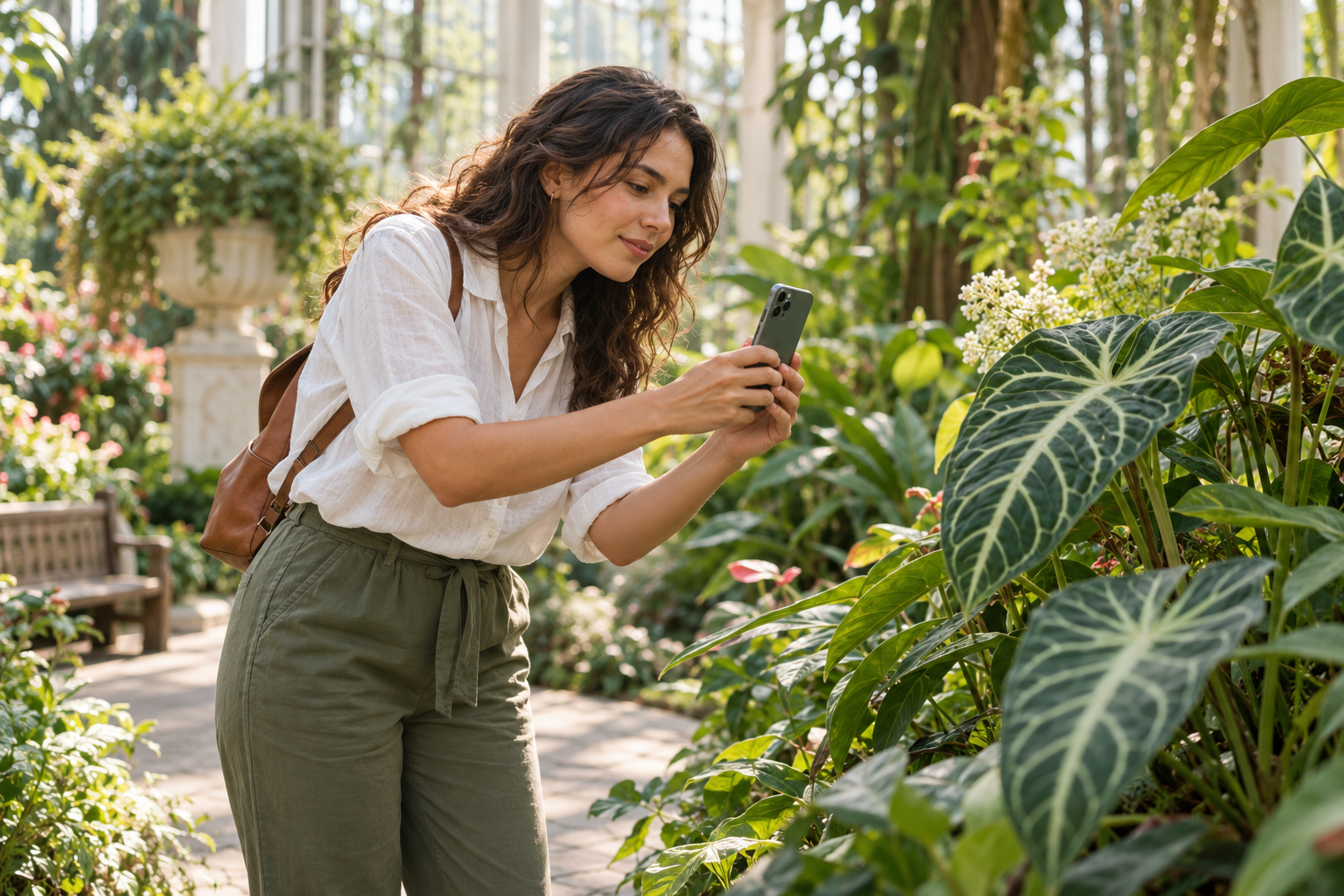
Illustrative scenes of ways to use Neeklee.
Food & meal journals
Show a meal, explore its ingredients, and ask for a rough calorie estimate. Keep reviewed meal notes in a journal and add dated entries as you go.
Try saying“Neeklee, estimate the calories, carbs and protein in this meal. What portions are you assuming? Help me draft a food-journal entry.”
Photo estimates can miss portion sizes, oils, and ingredients. Confirm details and use labels when available. Saved entries are notes—not automatic nutrient totals.
Wellness & personal goals
Talk through a goal, including weight management, and keep a record of the progress you choose to share. Add your own weight, activity, or habit notes and return to discuss them.
Try saying“Help me start a progress journal. I want to record my walks and how I feel.”
Neeklee supports reflection and recordkeeping; it does not diagnose conditions or replace a health professional. Weight and activity entries are supplied by you, not measured by the camera.
Shopping & comparisons
Show an item, ask what it is, and explore prices or alternatives. Review available source links and save a comparison to revisit before deciding.
Try saying“What is this, how much does it usually cost, and what should I compare it with?”
Exact models, variants, prices, and availability need verification at the source.
Home & everyday care
Show an appliance, plant, or household item. Ask about its label, look for instructions, and keep care or service notes together.
Try saying“Help me find the instructions for this appliance and start a care record.”
A clear model label helps. Neeklee may ask for another angle or more information.
Learning & discoveries
Explore something unfamiliar, understand how it works, or research its background. Save a useful discovery and pick up the conversation later.
Try saying“What am I looking at, and what is one interesting thing I should know about it?”
Useful findings appear as they become available. Neeklee should tell you when an identification is uncertain.
Ideas & conversation
Brainstorm, talk through a decision, ask for an explanation, or try a word game with friends. Speak in Live or type when you prefer.
Try saying“We have a few minutes. Lead us through a quick word game.”
You can also use Chat with Neeklee without showing your camera.
Review the answer. Open a bubble for details and available sources.
Choose to save. Review a journal, care record, comparison, or discovery before saving it.
Come back and add to it. Open My Discoveries, add dated entries, or continue the conversation.
Your saved records are editable notes with dated entries. They are not automatic health trackers, connected calendars, or scheduled reminders. Neeklee does not start tracking something just because it appears on camera.
Live uses microphone audio and sampled camera views to respond to what you share. Photo questions share your selected image. End Live to stop the camera and microphone. Review what you save to My Discoveries; you can edit or delete those records.
Neeklee is AI and can make mistakes. Access and allowances are shown before activation. Review Privacy and sharing on the home page for processing and retention details.